
The Dashboard provides an overview of all areas of your environment, such as backup data, reports, and notifications.
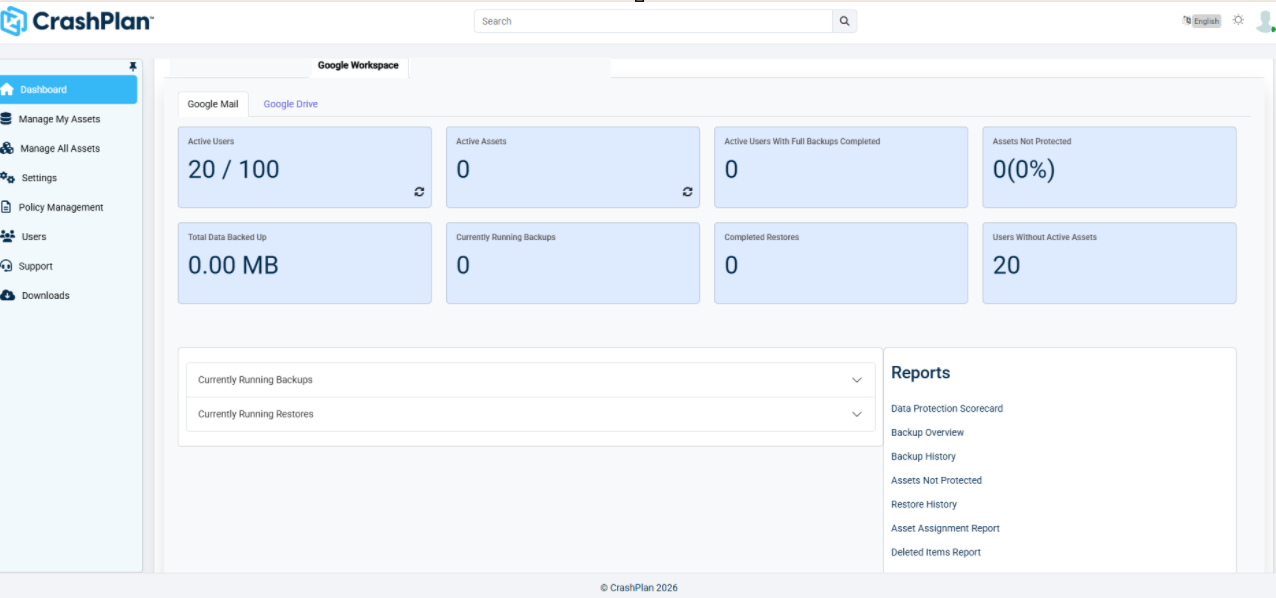
Dashboard tiles | At-a-glance information about your CrashPlan for Google Workspace environment, such as:
|
|---|---|
Currently running backups | Any backups currently running in your environment will appear here. |
Currently running restores | Any restores currently running in your environment will appear here. |
Reports | A variety of detailed reports encompassing aspects of your CrashPlan Google Workspace environment:
Each report can be downloaded as an Excel or PDF file can be scheduled to run at specified times. |