
SearchCtrl K
This section describes the Policy Management section of the CrashPlan platform. The Policy Management section allows administrators to create, configure, and map backup policies for workloads in the CrashPlan platform.
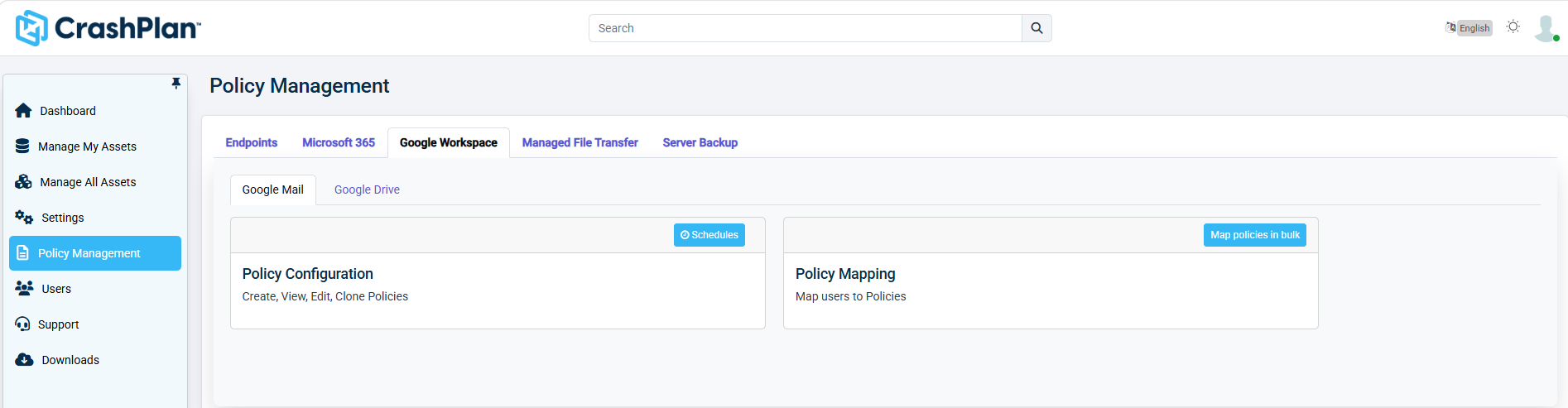
Log in to the CrashPlan Administration Portal using administrator credentials.
From the left navigation pane, click Policy Management.
Select Google Workspace->Google Mail. The Google Mail Policy Management screen appears.
Info
If you need to map policies for Google Drive, select Google Drive tab in the Policy Management.
Was this page helpful?