
Search
Administrators have access to a central dashboard that displays critical information such as active users, utilized storage, and the validity date of the CrashPlan installation. It also provides downloadable Excel or PDF reports for overall activity history.
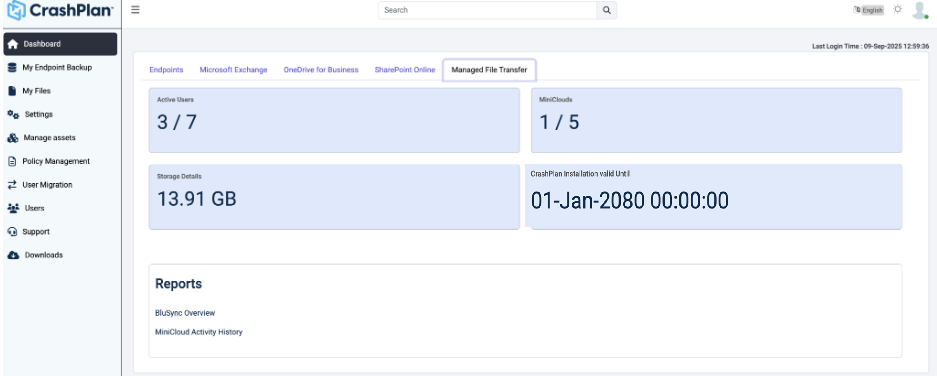
The Dashboard displays information related to:
| Active users | Displays the number of users currently active in the system. This helps administrators track adoption and identify how many users are utilizing the platform. |
|---|---|
| MiniClouds utilized per user | Shows the number of MiniCloud storage allocations assigned to each user. It helps monitor how storage resources are distributed across users. |
| Storage utilized per user | Indicates the amount of storage consumed by each user. This helps in identifying heavy usage patterns and managing storage capacity efficiently. |
| Reports |
|
| CrashPlan Installation Validity | Displays the date until which the CrashPlan installation or license is valid. This helps administrators ensure timely renewal and avoid service interruptions. |
Was this page helpful?