
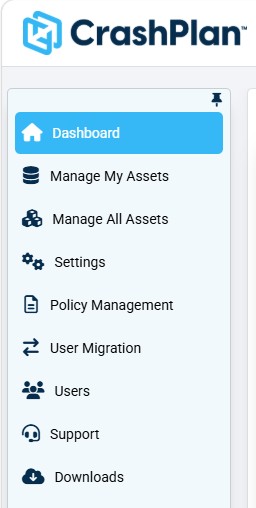
After signing in, you'll arrive at the Dashboard by default. Each icon in the navigation sidebar on the left side of the screen corresponds with a different area of the product.
Navigation item visibility depends on role
All items listed below will be visible to administrators, but only the Dashboard and Manage My Assets icons are visible to end users.
Top Navigation Bar

Search | Search your entire environment for Users/Assets, file/folder names, or full text search. |
|---|---|
Localization | Mentions the language currently used. Provides a drop-down list with the languages that support localization. |
Light/Dark Mode | Switch between light and dark mode views of the Microsoft 365 console. |
User profile | View and edit profile details for the signed-in user. |
Product Help | An AI-powered Product Help assistant providing conversational support within the CrashPlan Platform. |