
SearchCtrl K
No Backup Windows define time periods during which backups are restricted from running.
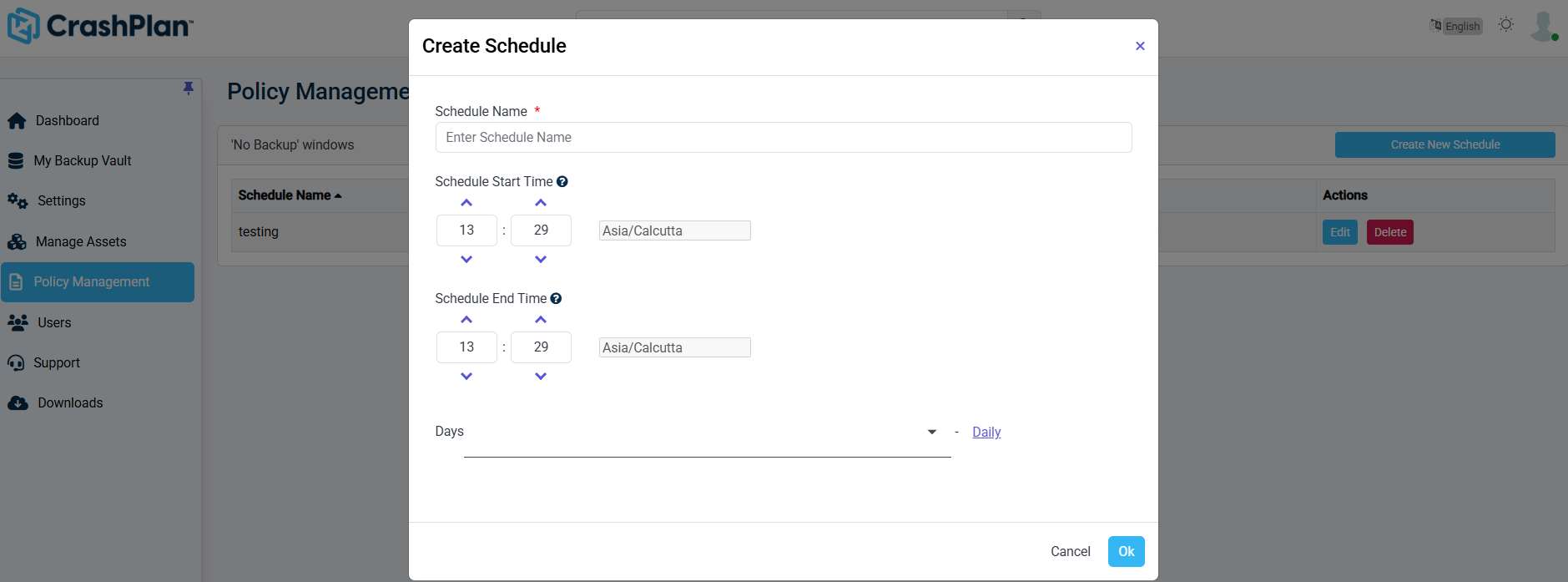
In the Policy Configuration section, click No Backup windows.
Define the restricted time window.
Configure the start time, end time, and applicable days.
Save the configuration.
Was this page helpful?