
SearchCtrl K
Follow these steps to assign additional users to manage an asset.
Navigate to Manage All Assets
From the CrashPlan console, select Manage All Assets.
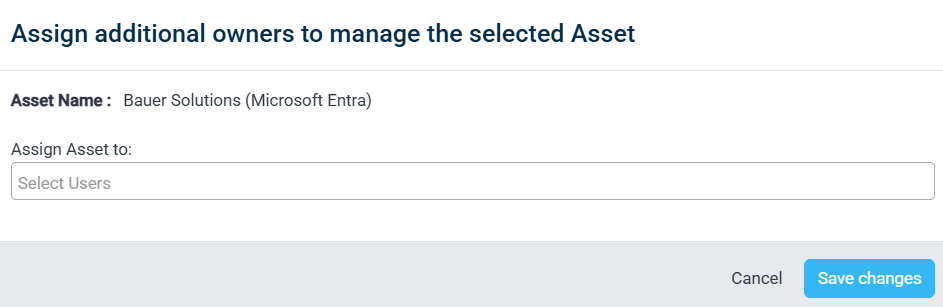
Select the asset
Select the asset for which you want to assign additional owners.
In the Assign Asset to field, click Select Users and select the users you want to assign to the asset.
Save the changes
Click Save changes to assign the selected users as additional asset owners.
Was this page helpful?