
SearchCtrl K
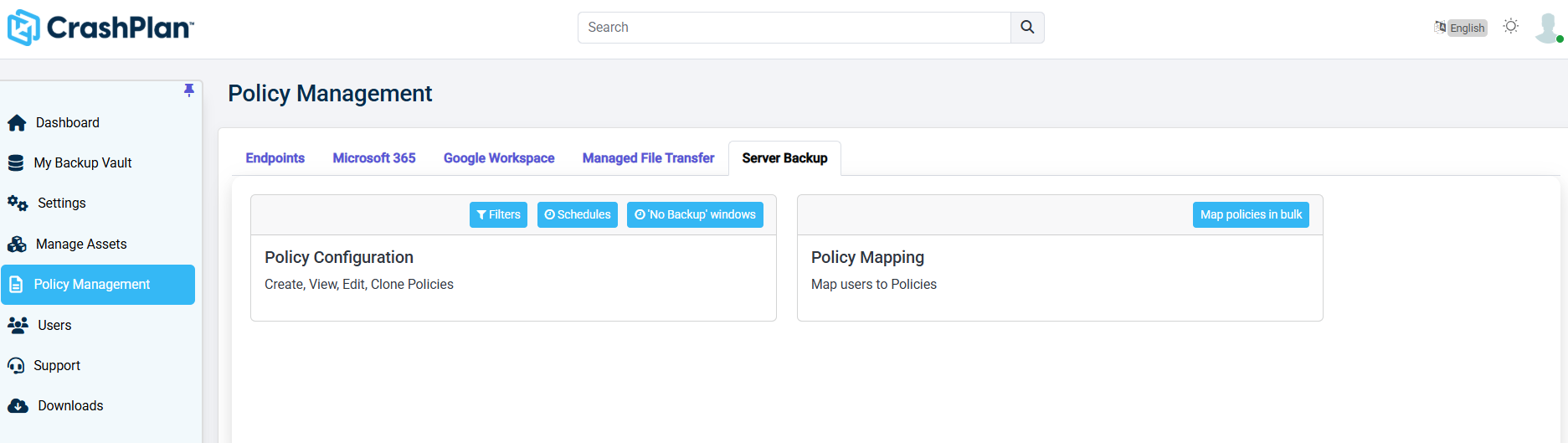
This section describes the Policy Management section of the CrashPlan platform. The Policy Management section allows administrators to create, configure, and map backup policies for Server Backup workloads in the CrashPlan platform.
Log in to the CrashPlan Administration Portal using administrator credentials.
From the left navigation pane, click Policy Management.
Select the Server Backup tab. The Server Backup Policy Management screen appears.
Was this page helpful?