
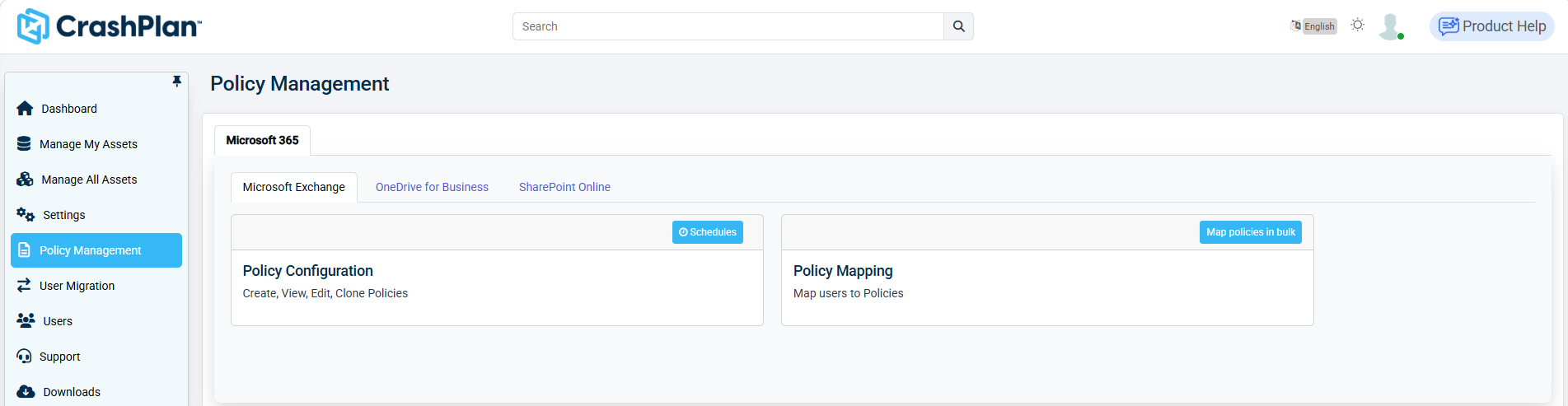
This section describes the Policy Management section of the CrashPlan platform. The Policy Management section allows administrators to create, configure, and map backup policies for workloads in the CrashPlan platform.
To enable administrators to configure archival rules for optimizing storage in Microsoft OneDrive, SharePoint for Business, and Microsoft Exchange, see Configuring Capacity Savings Policies.
Log in to the CrashPlan Administration Portal using administrator credentials.
From the left navigation pane, click Policy Management.
Select Microsoft 365->Microsoft Exchange. The Microsoft Exchange Policy Management screen appears.
If you need to map policies for OneDrive or SharePoint, select OneDrive for Business or SharePoint Online tabs in the Policy Management.